
Training module

Existing Patient Payment and Password Help

Back to training

Support existing users with payment method updates and password reset access.

Support existing account access

  1. 1

    Patient opens https://form.bntrx.com.au/ and selects Login.

  2. 2

    Patient enters mobile number and password to access account.

  3. 3

    Patient selects Proceed to Copayment in the account menu to review or update co-payment details in Stripe.

  4. 4

    Stripe updates are reflected in BnTRx Clinic for future ordering.
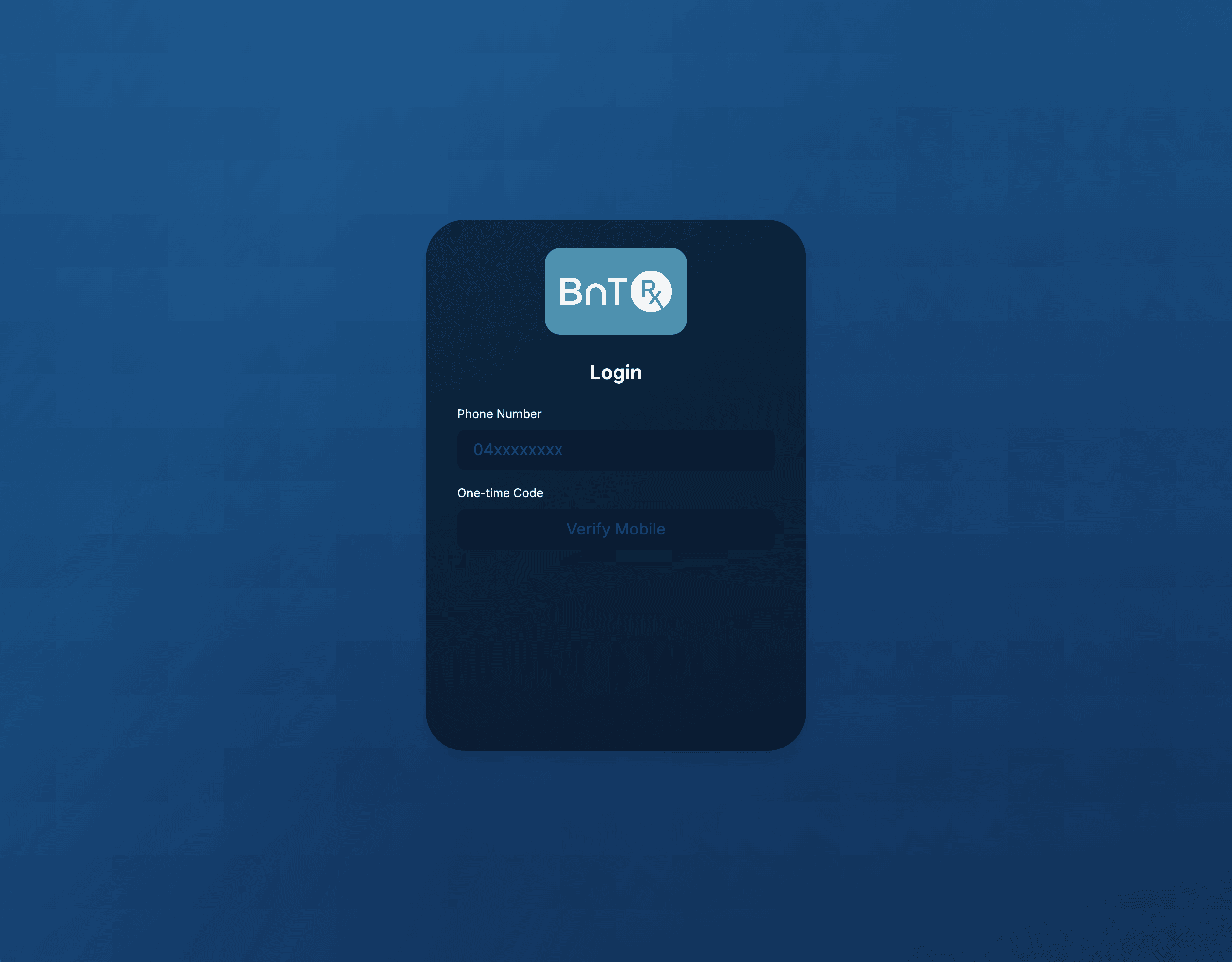
BnTRx Form login screen

Reset password when needed

  1. 1

    On login screen, patient selects Forgot Password.

  2. 2

    Patient enters registered mobile number and verifies with one-time SMS code.

  3. 3

    Patient creates new password and logs in again.

  4. 4

    If patient cannot complete verification, clinic can guide them through paper workflow while access is restored.

  • MiHub users should continue to use the same mobile number linked to their BnTRx account.