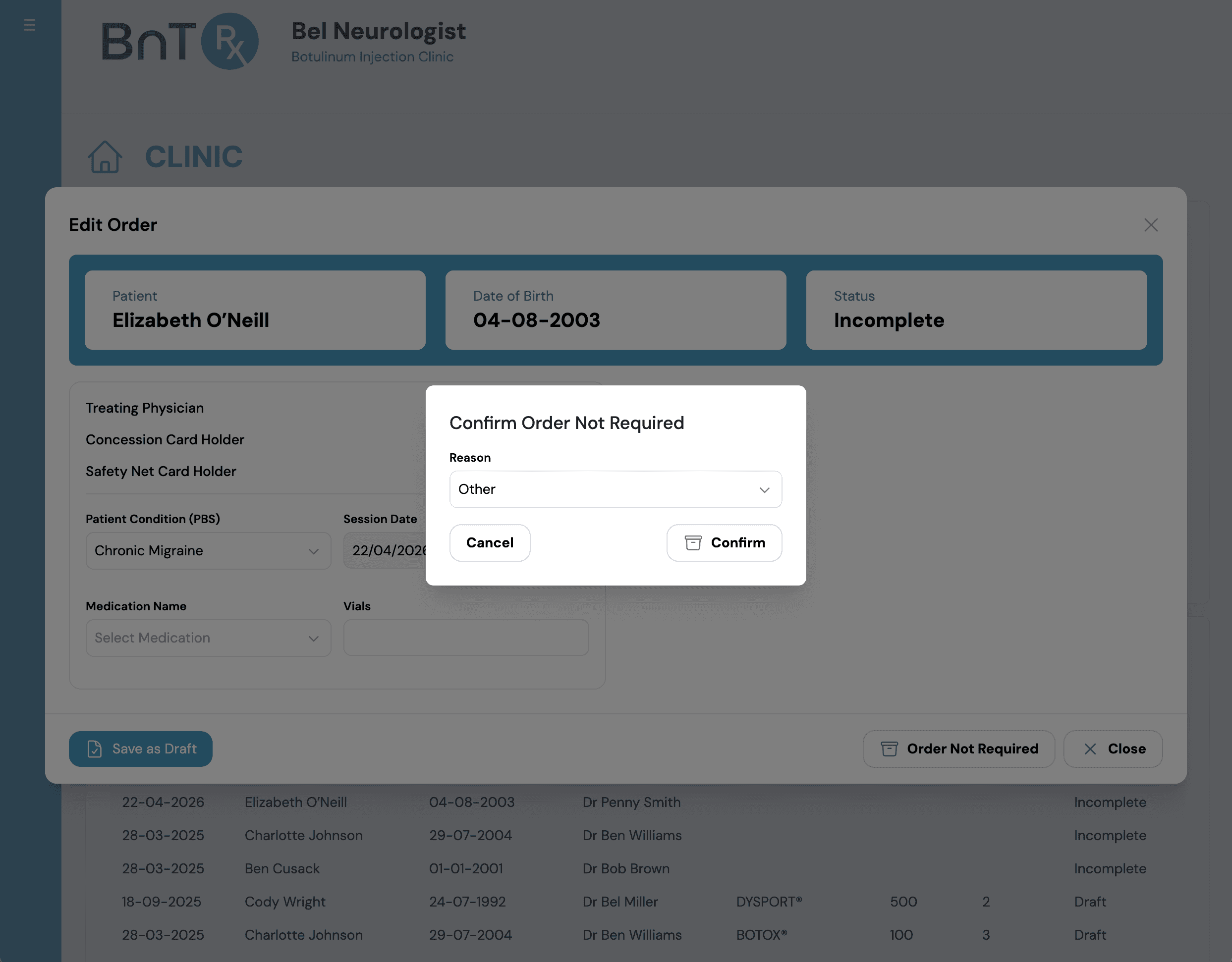
Mark an order as not required
Use this when PBS co-payment is not required and replacement vials are not being requested.
- 1
Open patient's order in Today's Clinic List (must be Incomplete).
- 2
Enter medication and vial count if applicable.
- 3
Select Order Not Required.
- 4
Select reason (Private Patient, Training, or Other) and confirm.
- Status changes to Order Not Required.
- Order is removed from Today's Clinic List.
- Order remains visible in Treatment History on the Log tab.