
Training guide

Preparing

Back to training

Complete the browser, pharmacy, access, and starter-pack prerequisites before configuring your clinic in BnTRx.

Confirm browser access

Prepare the devices that clinic staff and patients will use with BnTRx.

For full device and browser guidance, follow the System Requirements training module.
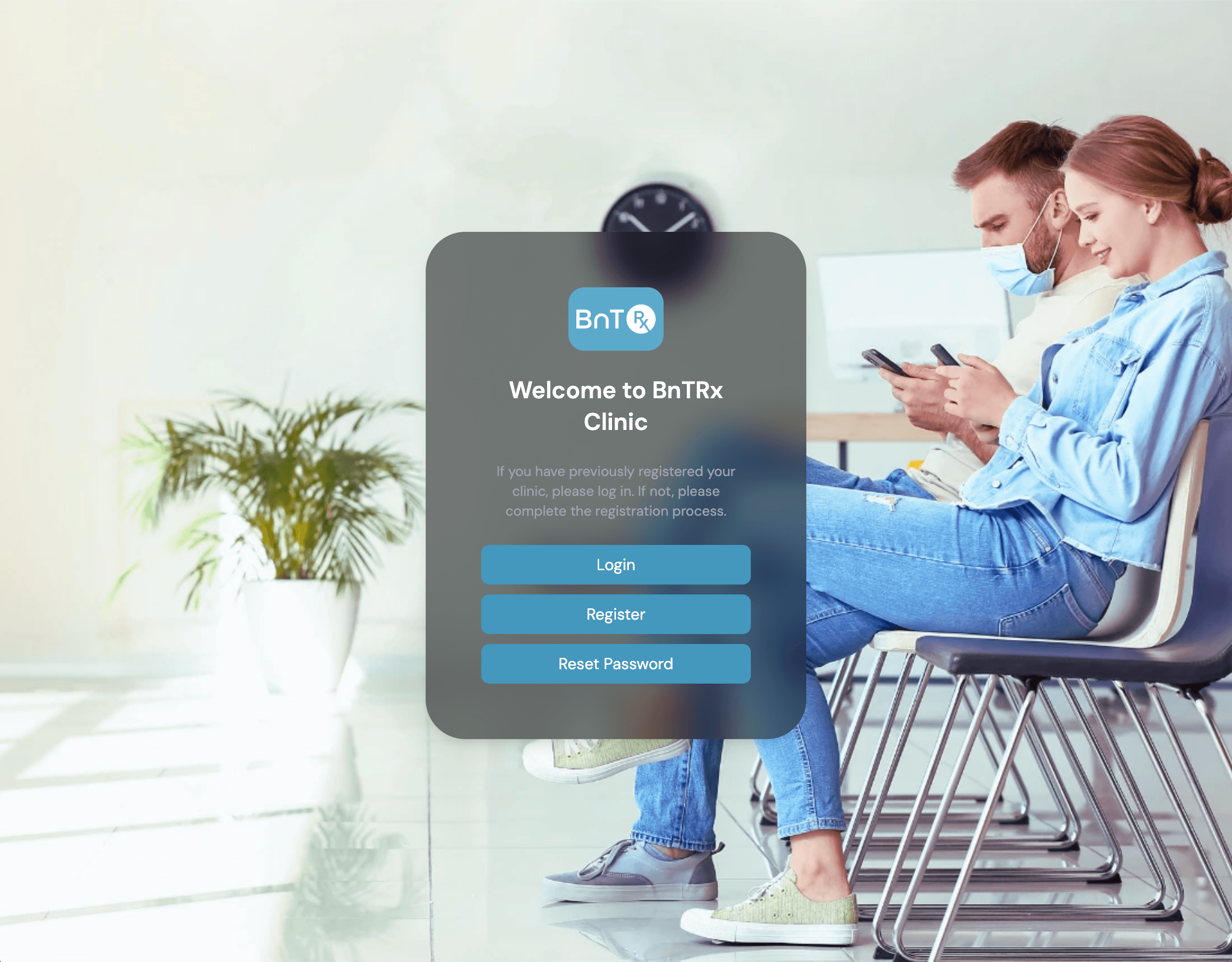
Confirm clinic access

Register the clinic and confirm that the initial administrator can log in before starting Setup.

  1. 1

    Register at https://clinic.bntrx.com.au/register.

  2. 2

    Follow the account activation instructions sent by email.

  3. 3

    Confirm the administrator can log in at https://clinic.bntrx.com.au/login.

For the complete registration process, follow the Clinic Registration training module.

BnTRx Clinic login screen

Request a starter pack

BnTRx provides a free clinic starter pack with patient-registration and clinic materials.

  • Email enquiries@integramedical.au with the clinic address and the message: Please send me a starter pack.
  • Confirm the patient QR code and required forms are available before the first clinic day.

For the complete contents, refer to Starter Kit Inclusions.

Continue to Setup

After completing these prerequisites, continue to the Onboarding Setup article to configure clinic details, invite staff, assign roles, and enter opening vial stock.

Article 02

Setup