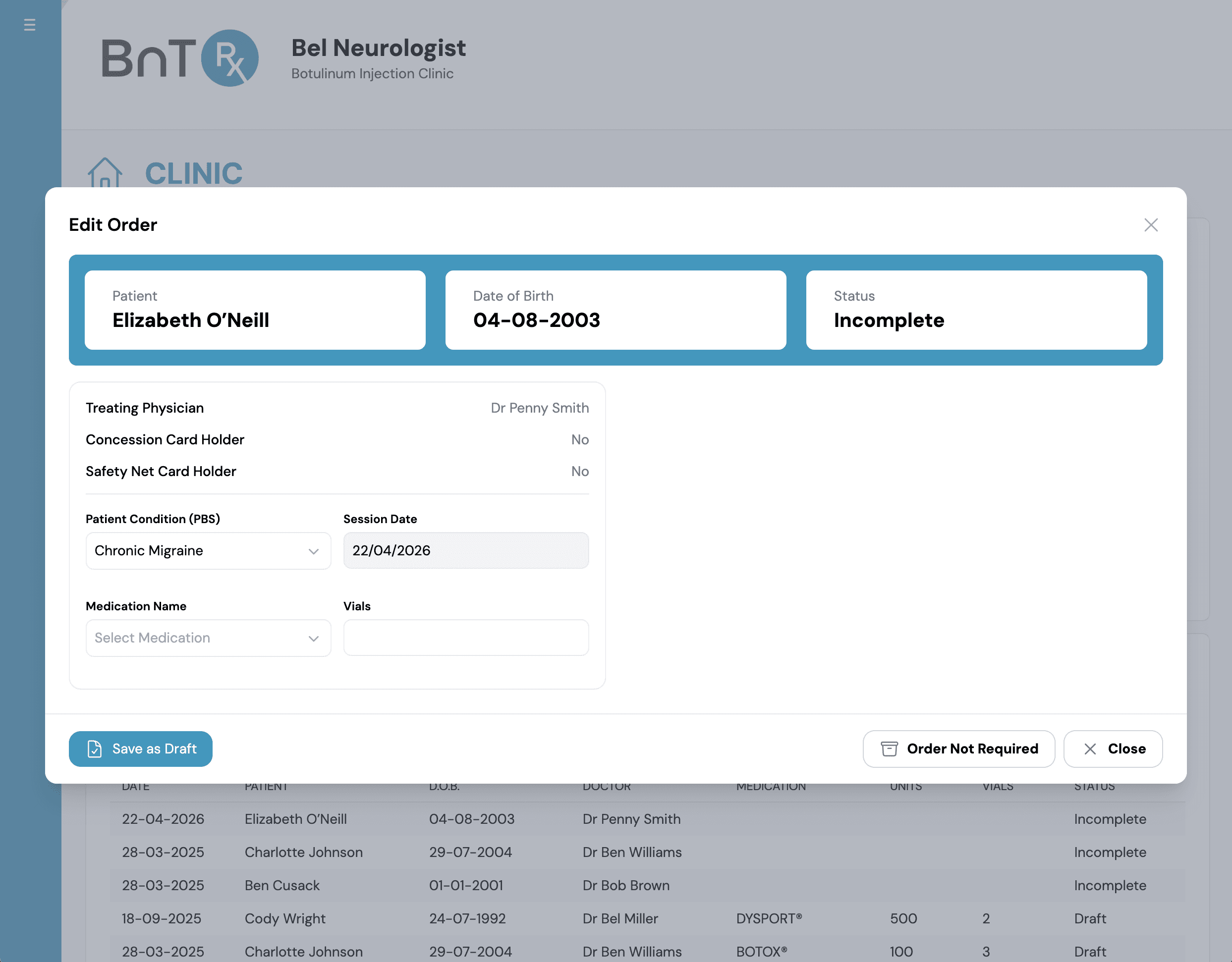
Create order from registered patient
Use this flow when creating an order from an existing registered patient record.
- 1
Search and select patient to open Edit Patient Details.
- 2
Select Save and Create Order to add patient to Today's Clinic List.

Training module
Create a new incomplete order from an existing registered patient record.
Use this flow when creating an order from an existing registered patient record.
Search and select patient to open Edit Patient Details.
Select Save and Create Order to add patient to Today's Clinic List.
If you already selected Save and Create Order in intray workflows, skip this step and continue with order editing.